 LUX8
LUX8 LUX8 Wallet
FAST · CLEAR · NOTHING EXTRA
The fast, simple Solana wallet
Send, swap and stake SOL and Solana tokens in a few taps. Your keys stay on your device or on your Ledger, and every swap is checked before you sign. From the team behind the LUX8 validator.
On the web, in Chrome, and on Android.
Verify the file
Same build as Google Play, signed with the same key, so Google Play can update it later.SHA-256: 1d3e7dd20da08014d3783332762881bc7e1000f134542bd476f14cd401a69879Signing certificate SHA-256: 07:BD:FD:5D:60:AC:26:22:AF:D6:A4:5C:19:19:98:8C:8A:52:22:1C:6F:B7:2F:E8:97:18:57:42:06:AB:40:38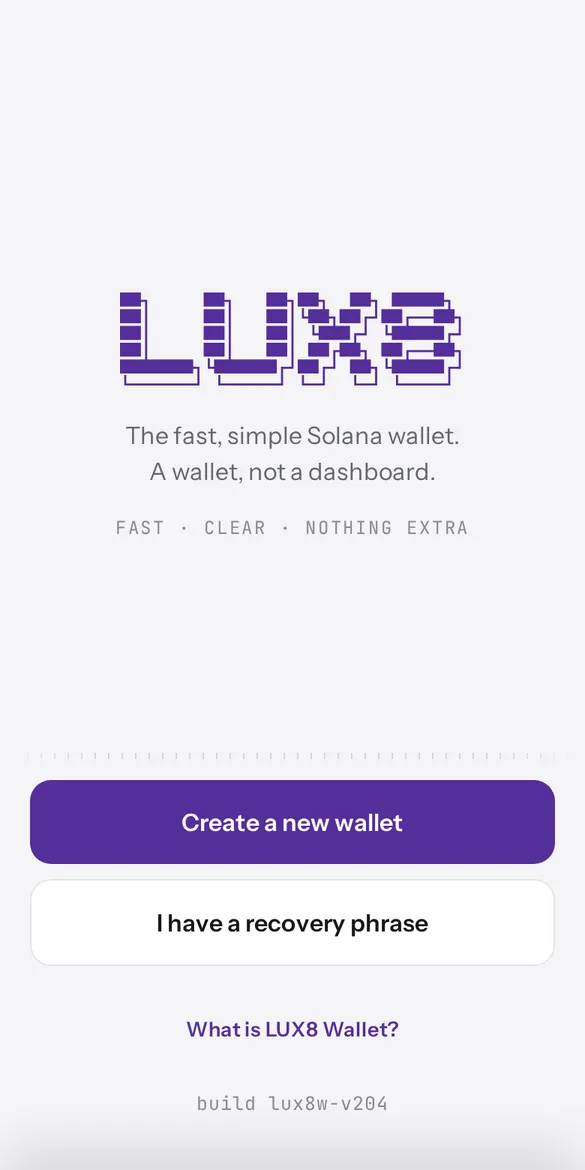
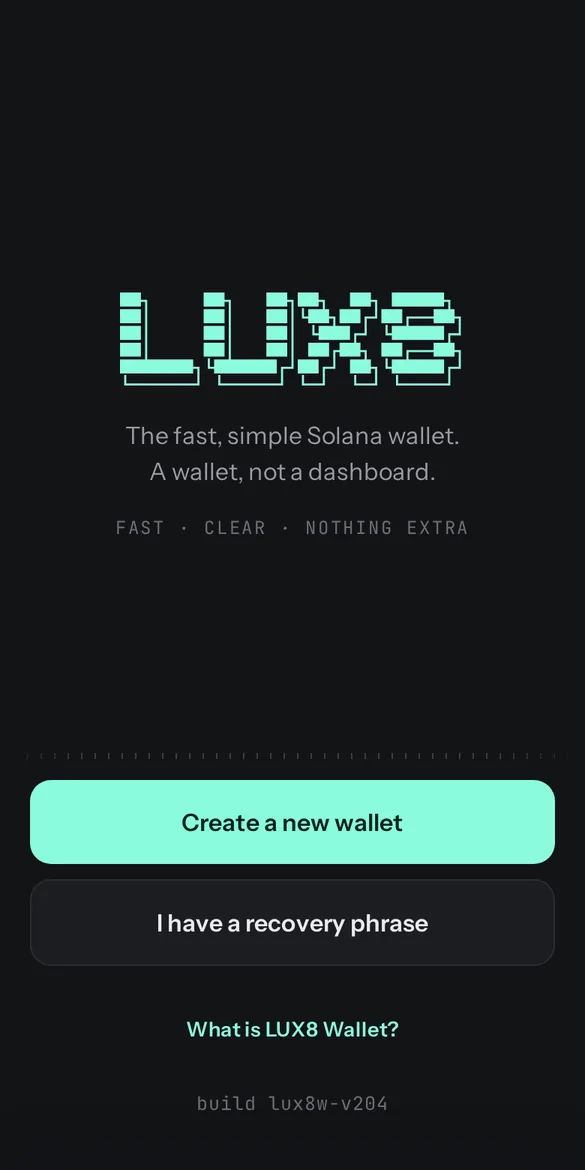
A wallet, not a dashboard.
LUX8 Wallet does the basic things well: send, swap, stake. It deliberately stops there: no feeds, no tabs of charts, no dashboard. Every screen shows what will happen before you approve it, in plain words.
What LUX8 Wallet does
A stake manager in your pocket
Stake SOL to any validator, then split, merge, move, deactivate or withdraw your stake, or stake liquid with luxSOL. Every action is checked on the network before you approve it.
Swap with no fee from the wallet
Swaps go through Jupiter, and the wallet adds nothing on top. Set your own maximum slippage, or switch to Jupiter Ultra and let it choose; whatever a route costs is shown before you sign.
All your accounts in one place
Create or import recovery phrases, add more accounts from each, or import a private key. Keep several in one wallet, name them and put them in your own order.
Get back SOL stuck in empty token accounts
Each empty token account holds a small SOL deposit. The wallet finds them, and the ones you pick are closed and their SOL returned in a single approval.
Send to an address, a .sol name or a QR code
SOL and any Solana (SPL) token. Scan payment QR codes, including Solana Pay. The confirmation shows exactly what leaves your wallet and what arrives.
Ledger on Solana
Keep the key on your hardware wallet and confirm each signature on the device.
Ledger on Solana
LUX8 Wallet works with a Ledger directly in the browser: Chrome, Edge or Brave on a computer (the browser has to support WebHID; Firefox and Safari do not, and neither do phone browsers).
- Add your Ledger accounts. The wallet lists your Solana addresses from the device, with their balances, and you pick the ones to add. Addresses in the common Ledger forms are understood, including a custom derivation path.
- Check the address on the device. On the Receive screen, the wallet can show the address on your Ledger's screen so you can compare it with the one in the wallet before anyone sends you money.
- Sign on the device. Every transaction is approved on the Ledger itself; the key never leaves it. Before the Ledger is asked, the wallet shows you the dry-run result of the transaction.
- Messages. A Ledger signs messages in Solana's off-chain message format. Sites that verify that format accept it; a site that checks a signature against its own raw bytes cannot accept a Ledger signature from any wallet. LUX8 Wallet says so on screen rather than letting the site fail silently.
- What a Ledger cannot sign yet: Solana's newest transaction format (v1). Sites are told the account signs the older formats, which they support.
Staking, with the disclosure first
You can stake with any validator (how to choose a Solana validator). The list shows each validator's figures as the chain reports them, not as anyone describes them.
One of the validators is ours. The LUX8 validator is marked as such in the wallet, operated by LUX8, the team behind this wallet, and is not presented as a neutral recommendation. Choosing it supports the team that builds the wallet; choosing any other validator works exactly the same way.
Security and your keys
Policy: wallet.lux8.net/privacy.html
- Non-custodial. Your recovery phrase and keys are created on your device. LUX8 never sees them, cannot move your funds and cannot reverse a transaction.
- Encrypted at rest. The wallet's keys are stored encrypted with your password; the wallet locks itself after a period you choose.
- Hardware option. With a Ledger, the key never leaves the device at all.
- Shown before signed. Transactions are dry-run on the network and shown as the balance changes they cause, and separately as any change of who controls your accounts.
- No tracking. No ads, no analytics. The wallet talks to LUX8's own server rather than to third-party services directly.
Questions
Is LUX8 Wallet free?
Yes. There is no fee for using the wallet. Network fees are paid to Solana, and swaps may carry the fees of the route Jupiter picks; the confirmation shows them before you sign.
Is it custodial? Can LUX8 access my funds?
No. Your keys are created and kept on your device (or your Ledger). LUX8 cannot see them, move your funds, or recover them for you. Keep your recovery phrase safe and offline.
Can I use my Ledger with it?
Yes, in Chrome, Edge or Brave on a computer. You add your Ledger's Solana accounts, check addresses on the device, and approve every transaction on it.
Can I import a wallet I already have?
Yes, with its recovery phrase or a private key. Several phrases and accounts can live in one wallet.
What does "every swap is checked" mean?
Before you sign a swap, the wallet runs it on the network without sending it. If the result would give you less than the quote promised, the wallet refuses to sign.
How does staking work, and is the LUX8 validator a recommendation?
You can stake SOL to any validator, and split, merge, move or withdraw your stake later. LUX8's own validator is marked as ours, operated by the team behind this wallet: it is a disclosure, not a neutral rating.
Do I need to install anything?
No. LUX8 Wallet runs in your browser at wallet.lux8.net, and you can add it to your home screen. It is also available as a Chrome extension from the Chrome Web Store and as an Android app on Google Play.
What happens if I lose my device?
Restore the wallet anywhere with your recovery phrase. Without it, or your Ledger, nobody, including LUX8, can restore access.
The fast, simple Solana wallet